
Enabling Steam Auth
If you already have a Steam App ID, you may enable Nodecraft Studio to automatically log players in using Steam rather than email based authentication.
To do so, follow these steps:
- In NodecraftDiscovery.Build.cs, on the line that declares
bIsSteamAuthEnabled, set it totrue. - In your plugin settings, set your Steam App ID.
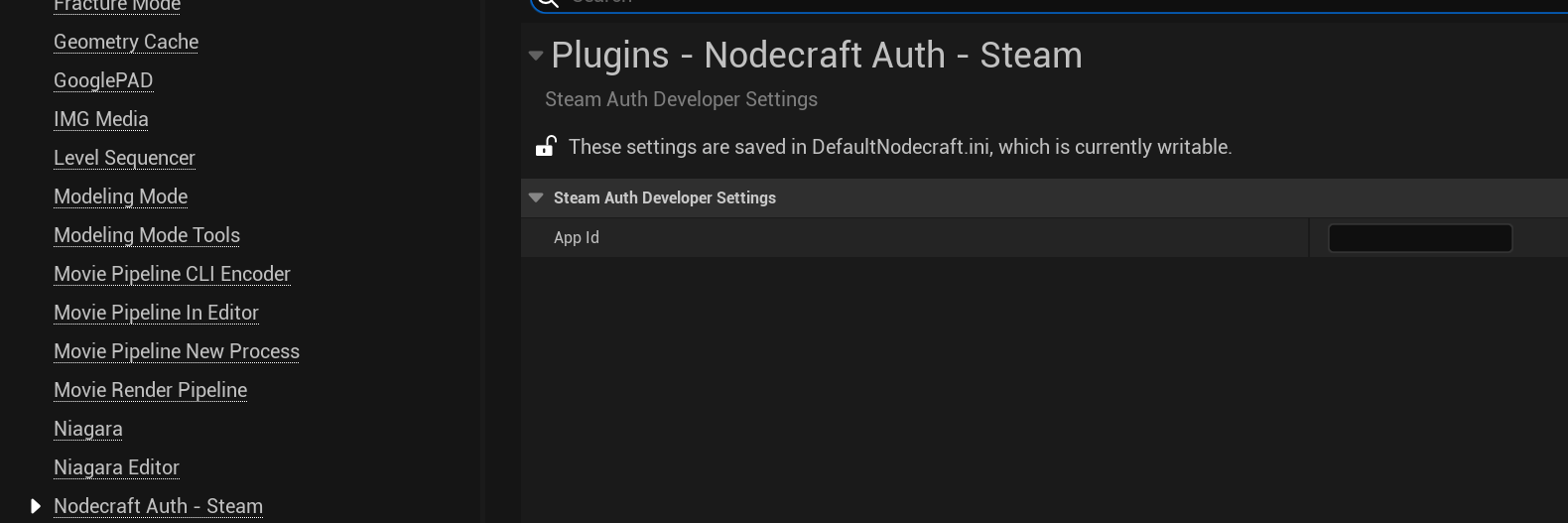
- Restart your editor.
- Make sure you are running Steam in the background when you start your game. If Steam is not running, it cannot be used to log you in.