
Configuring UE5 Plugin
⚠️ DISCLAIMER: Documentation for our Unreal Engine Plugin is under construction and subject to change while the SDK is in technical preview.
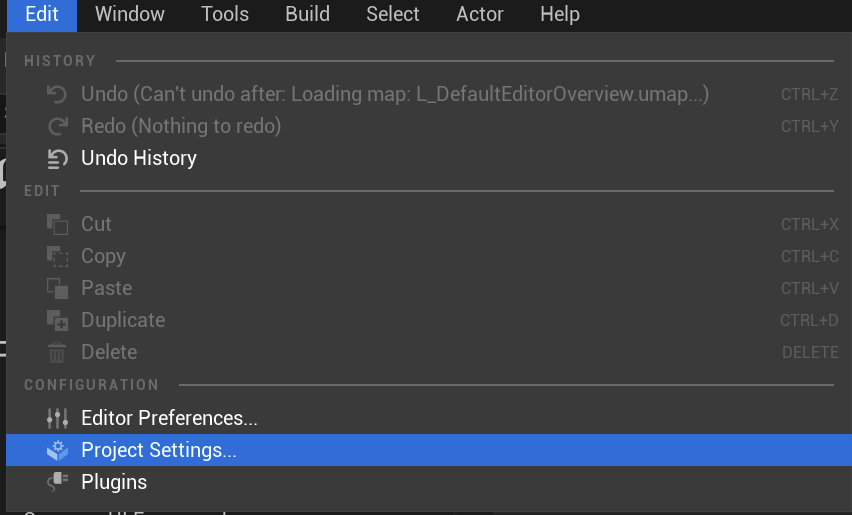
- Open the Project Settings window in UE5.
- Navigate to and click “Discovery API Settings” in the Plugins section of the sidebar.
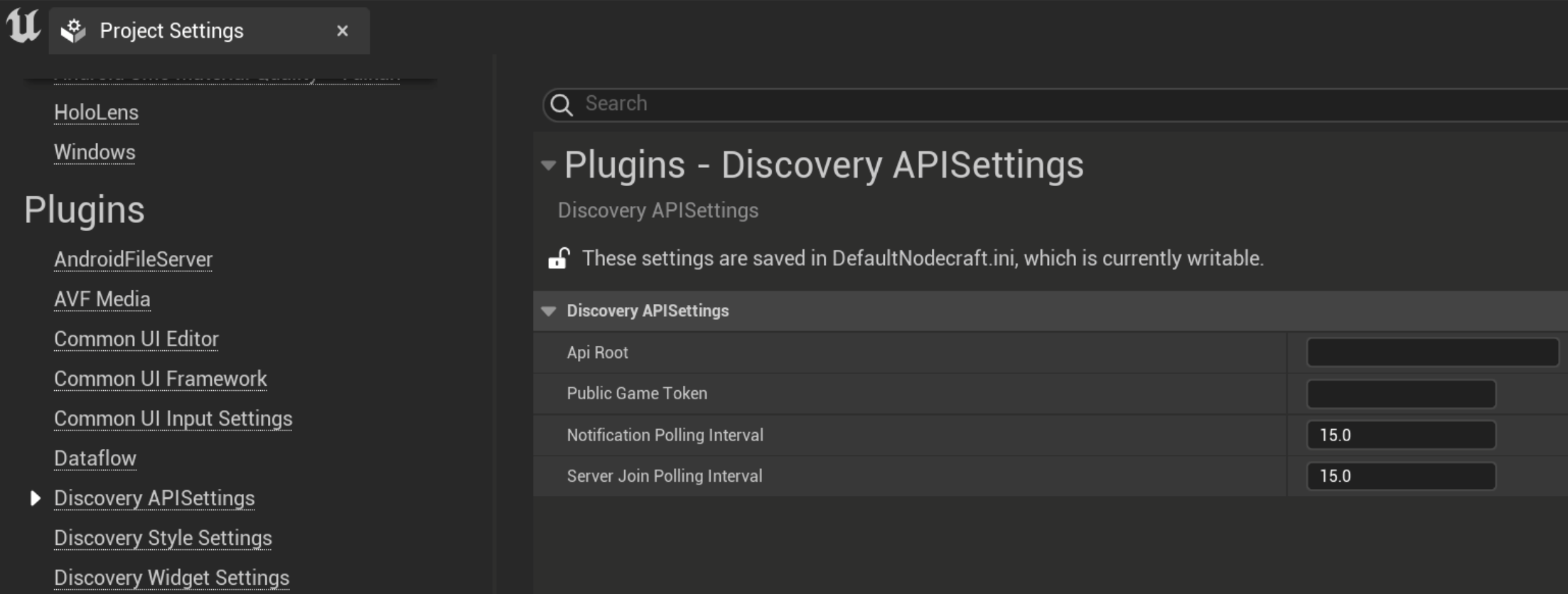
- Ensure that the field
API Rootis set tohttps://api.nodecraft.studio/v1/ - The field
Public Game Tokenshould be set to your game’s public game token, which can be found in your developer console. - Restart the editor.